
Starting an online store is only the first step. You also need people to find your products. Pinterest can help with that because people use it to search for ideas, save inspiration, and discover products they may want to buy.
In this guide, I’ll walk you through setting up an online store and using Pinterest to promote it. You’ll learn how to choose a selling platform, prepare product pages, create shoppable Pins, and track whether your Pinterest content is bringing visitors to your store.
You don’t need to run ads or have a large following to begin. But Pinterest doesn’t guarantee traffic or sales, so focus on making useful Pins and giving potential customers a clear, trustworthy place to shop.
🎁 Free: 10 editable Canva Pin templates
The same Pin designs we use to get traffic from Pinterest. Swap in your text and photos and you have a ready-to-post Pin in minutes.
👉 Get the free templates (or get all 60 premium templates for $19)
How to Start an Online Store
1. Choose What You Want to Sell
Start with a product category you understand and can serve well. You could sell handmade items, clothing, home decor, art, beauty products, digital downloads, or products made by a supplier.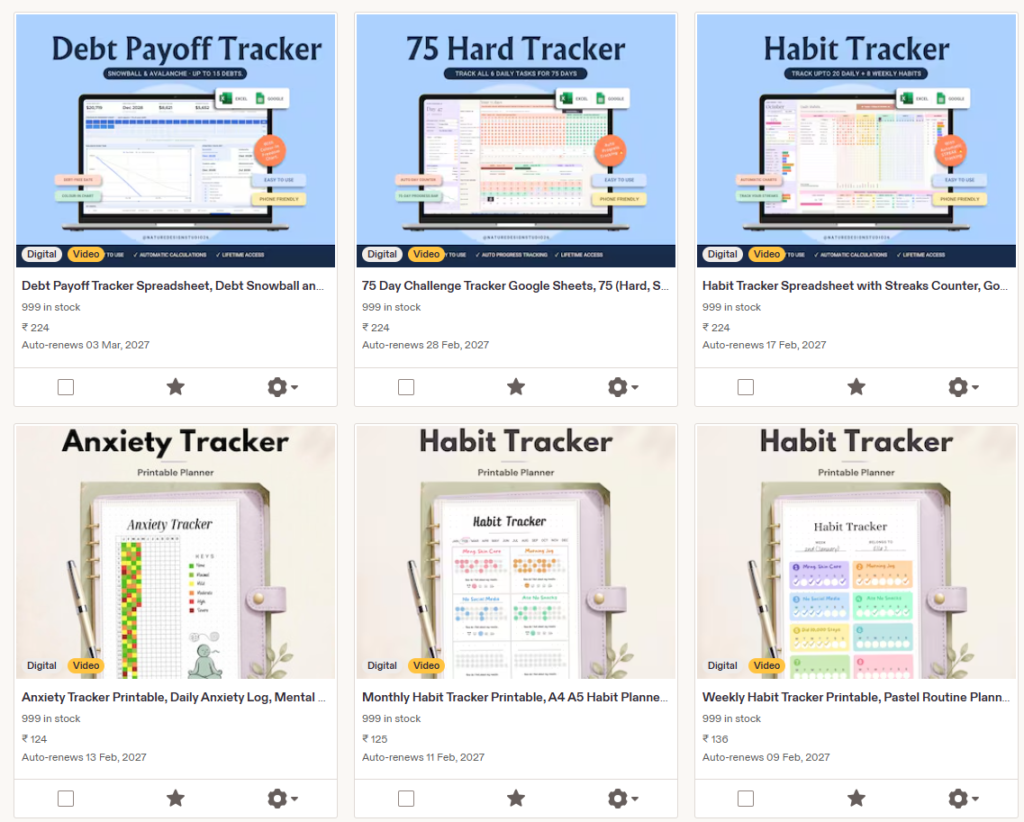
Before investing in inventory, research what customers are already buying and what they ask about.
Look at competing stores, read customer reviews, and consider how your products will be different. You don’t need a completely original product idea, but you do need a clear reason for someone to choose your store.
Think about the practical side, too:
- Where will you source or make the products?
- How much will each item cost you?
- How will you package and ship orders?
- What happens if an item is damaged or returned?
- Are there local rules, registrations, or tax requirements for your business?
Start with a manageable product range. A small collection is easier to photograph, describe, price, and promote than a large catalog you haven’t tested.
2. Pick a Platform for Your Store
You can sell through an online marketplace or build a store on your own website. A marketplace can give you a ready-made place to list products, while a website gives you more control over your storefront, content, and customer experience.
For a website, one common option is a hosted ecommerce platform. Another is WordPress with an ecommerce plugin. Compare the current costs, payment options, design flexibility, shipping tools, and support before choosing.
If you want to build a WordPress site, start with our guide on how to start a blog and make money from blogging. The setup steps can also help you understand domains, hosting, and WordPress before you build a store.
Considering WordPress hosting?
Hostinger is one hosting option for a WordPress store. Compare the current plans, upfront payment, renewal rates, and features before deciding.
Explore Hostinger plans. We may earn a commission if you buy through this referral link, at no extra cost to you.
3. Set Up Your Store and Essential Pages
Give your store a clear name and make it easy for people to understand what you sell. Use consistent colors, product photos, and writing across your store and Pinterest profile.
Before promoting products, prepare the basic information customers look for:
- Contact information
- Shipping costs and estimated delivery times
- Return, refund, and cancellation policies
- Privacy policy and terms of service
- Secure checkout and accepted payment methods
Requirements can vary by location and platform. Pinterest’s merchant and catalog tools also have specific requirements, so review the latest Pinterest Merchant Guidelines before applying for shopping features or ads.
4. Create Product Pages That Help People Buy
A product page should answer the questions a shopper has before placing an order. Use clear photos, an accurate product title, a useful description, price, available options, and current stock information.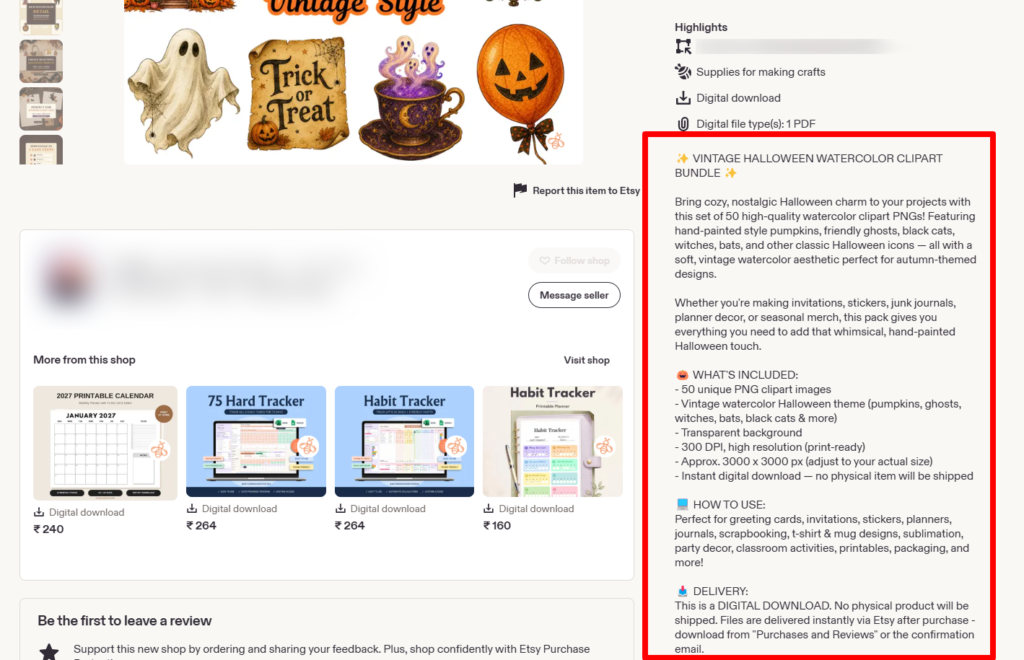
Explain the product’s size, materials, colors, care instructions, or other details that matter to the buyer. If there are limitations, mention them. Accurate information helps customers make a decision and reduces confusion after purchase.
When you create a Pin for a product, link it to that product’s page rather than your store homepage. The product shown in the Pin should match the item on the page.
5. Calculate Your Prices and Costs
Before publishing a product, calculate more than the cost of making or buying it. Include packaging, shipping supplies, marketplace or payment fees, discounts, returns, and advertising costs if you plan to use ads.
Then compare your price with similar products and consider the value you provide. A low price may attract attention, but it can also leave too little room to cover your costs.
How to Sell Products on Pinterest
1. Create a Pinterest Business Account
A Pinterest business account gives you access to analytics and business tools. Use a recognizable profile name, a clear description of your store, and a profile image that matches your brand.
Organize your boards around product categories and the ideas customers search for. For example, a home decor shop could create boards for small-space decor, bedroom styling, or seasonal home ideas.
2. Connect Your Store to Pinterest
There are different ways to show products on Pinterest. A merchant with a catalog can upload product data so Pinterest can create product Pins at scale. Pinterest says catalog setup requires a business account, a claimed website, the Pinterest tag, and a website that meets its merchant guidelines.
Catalogs can be used to create product Pins and, where available and eligible, support shopping ads. Pinterest’s current catalog setup guide explains the requirements and product data fields.
For a smaller store, you may be able to create Pins manually and add product links. Pinterest also provides product tagging options in supported formats. Check the current product tagging instructions to see which options are available for your account and region.
Pinterest features can vary by location, account, and store setup. If you’re using a marketplace, check its own instructions for connecting or promoting your products.
3. Research Pinterest Keywords
Think about what shoppers might search for before they know your store exists. A shopper may search for “linen table runner ideas,” “small entryway storage,” or “handmade gifts for new homeowners.” Those searches can inspire Pin topics and board names.
Use Pinterest search suggestions and Pinterest Trends to explore related phrases and seasonal interest. Our guide to Pinterest keyword research explains how to find terms that fit your audience. You can also read how to use Pinterest Trends to explore seasonal topics.
Use keywords naturally in your Pin title, description, board name, and product page. Keep the wording helpful and accurate rather than repeating the same phrase unnaturally.
4. Create Pins That Show the Product Clearly
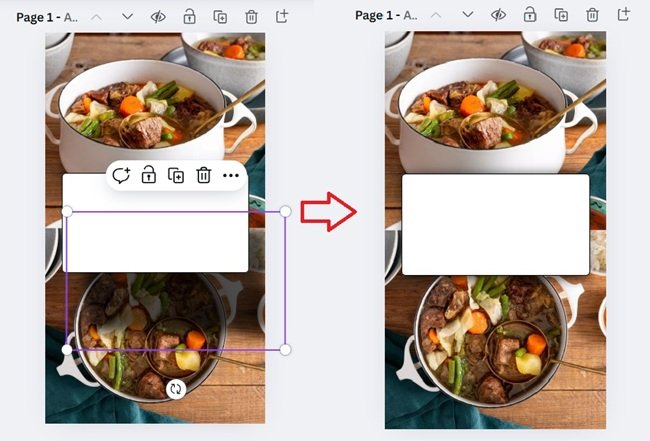
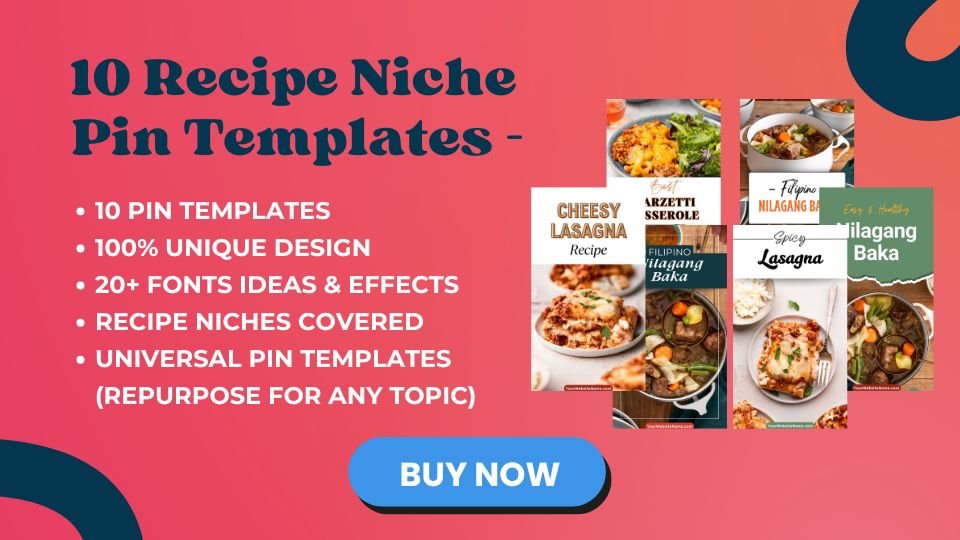
Your Pin should help people quickly understand what the product is and why they might want to learn more. Use clear product photography, a simple design, and readable text if you add a text overlay.
Try a few different angles for the same product. For example, you could show:
- The product on its own against a clean background
- The product being used in a real setting
- A close-up of a useful detail or material
- A gift or seasonal idea featuring the product
- A comparison of available sizes, colors, or styles
Each Pin should lead to a page that matches what the image and text promise. Avoid using a lifestyle photo that makes the product look larger, different, or more complete than it really is.
5. Publish Consistently and Review Your Results
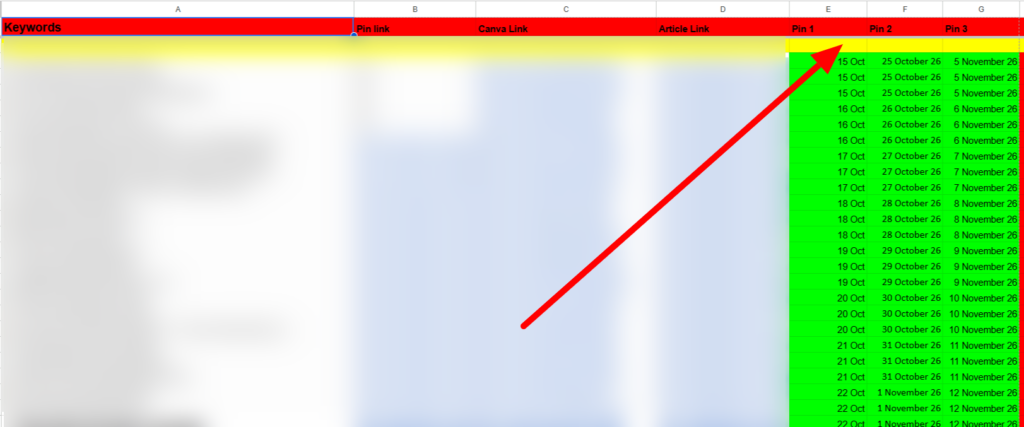
Choose a publishing pace you can maintain while creating original, useful Pins. There isn’t one schedule that guarantees reach or sales for every shop. Focus on quality and relevance, then use your analytics to see what people respond to.
Watch both Pinterest and store metrics. Impressions show that your Pins were displayed, while outbound clicks show that people visited your store.
Your store analytics can help you see whether those visitors viewed products, added items to their cart, or completed a purchase.
| Metric | What it can tell you |
|---|---|
| Impressions | How often your Pin was shown |
| Saves | Whether people want to keep the idea for later |
| Outbound clicks | How often people clicked through to your store |
| Add-to-cart and purchases | Whether store visits are leading to shopping actions |
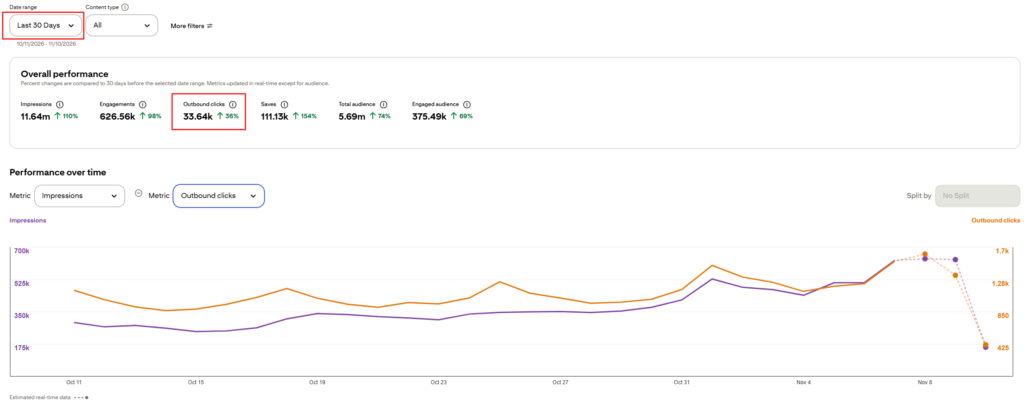
If a Pin gets impressions but few clicks, test a clearer image, title, or product angle. If it gets clicks but few purchases, review the product page, price, shipping information, and checkout process.
6. Use Pinterest SEO Alongside Other Traffic Sources
Pinterest can be one traffic source for your store, but it’s helpful to build more than one way for customers to find you. You can also use email, search traffic, social media, and collaborations with creators in your niche.
A blog can support your store by answering questions and showing your products in helpful contexts. For example, a kitchen store might publish a guide to choosing a cutting board or planning a small kitchen. Link to relevant products where they genuinely help the reader.
Learn more in our guides to Pinterest SEO and SEO for bloggers.
Want a Pinterest plan for your store or blog?
Our free PDF guide walks through setting up a Pinterest account, researching keywords, creating Pins, and working toward your first $500.
Get the free Pinterest strategy guide. It’s delivered by email, and results will vary by account, niche, and effort.
Should You Use Pinterest Ads?
You can start with organic Pins and consider ads after you have a product page and creative that already make sense for your audience. Paid campaigns cost money and don’t guarantee sales, so set a budget you can afford and track results carefully.
Pinterest says catalog product Pins can be promoted as shopping ads, while product Pins created in other ways may have different promotion options. Check Pinterest’s current shopping guide and advertising requirements before launching a campaign.
How to Use Your $500 Pinterest PDF
If you’re new to Pinterest, our free Pinterest strategy PDF is a useful companion to this guide. It explains how to set up an account, research keywords, design Pins, and plan content to work toward your first $500.
The guide shares an approach, not a promise of earnings. Use it alongside your store’s own analytics and adjust your strategy based on which Pins bring relevant visitors and sales.
Common Mistakes to Avoid
- Linking every Pin to your homepage: Send shoppers to the specific product or collection shown in the Pin.
- Using outdated product details: Keep prices, stock, shipping, and product descriptions accurate.
- Making Pins that don’t match the destination: The product and offer should be clear before someone clicks.
- Focusing only on impressions: Track outbound clicks and what visitors do after reaching your store.
- Posting repetitive or low-value Pins: Create original content and follow Pinterest’s spam and commercial content rules.
- Expecting immediate sales: It can take time to learn which products, keywords, and creative work for your audience.
- Skipping store policies: Make contact, shipping, return, and refund details easy for customers to find.
Want Pinterest traffic without doing the pinning?
Our team at ThriversEdge handles keyword research, Pin design and scheduling for bloggers and online sellers. Start with a $99 account audit, get Pins designed from $1 each, or hand over the whole account.
Final Thoughts
To start an online store and sell on Pinterest, begin with a product people want, a trustworthy store, and clear product pages. Then create Pins that match what shoppers search for and link directly to the right products.
Use analytics to improve your Pins and store pages over time. For more detail, read our guide on using Pinterest to boost Etsy sales, explore ways to make money on Pinterest, and download our free Pinterest PDF.
Note: Some of the links on this page are affiliate links, which means we may earn a small commission if you choose to make a purchase through them-at no extra cost to you. We only recommend products and services we genuinely believe in and find useful.